Plia: Class Planning for Instructors
2026 · Personal project, Web app UX, AI
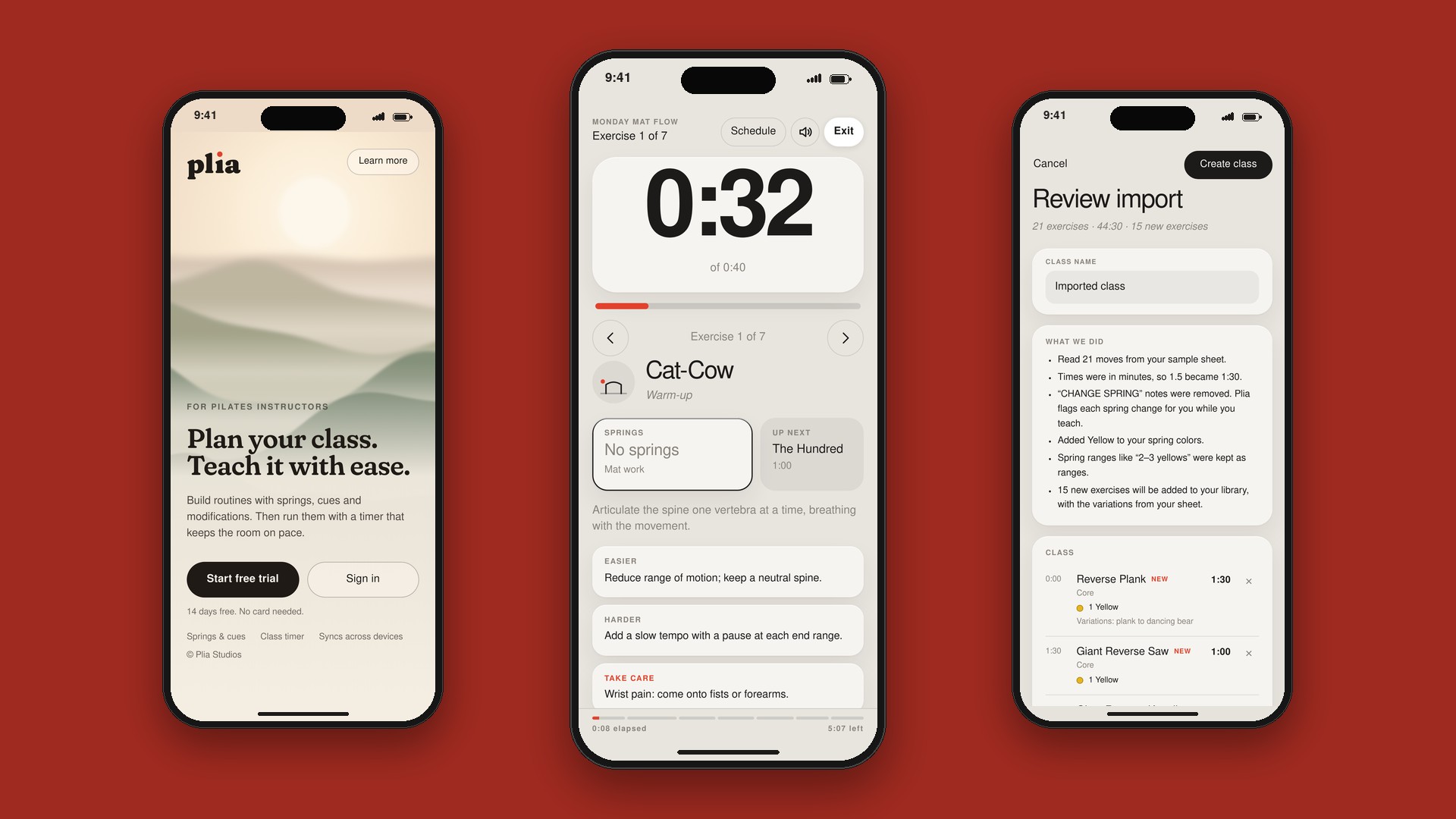
Overview
Plia is a tool designed for Pilates instructors to easily plan and run their classes. After initial discovery and research, I found that local instructors don't have an effective way to plan or document their classes, like the timing and phasing of various exercises, nor do they have an intuitive way to go "play" their routine while instructing.
Key work
- Researched and tested cursory prototypes
- Populated pilates exercises, iconography and baseline timing
- Built out an experience allowing instructors to easily create and name a class, add exercises with defined durations, and "play" the class when instructing.
- Defined a phased rollout plan, with what's included below representing an MVP but room to scale to other genres of instruction, with the end goal being a native app and watch experience.
Some of the details
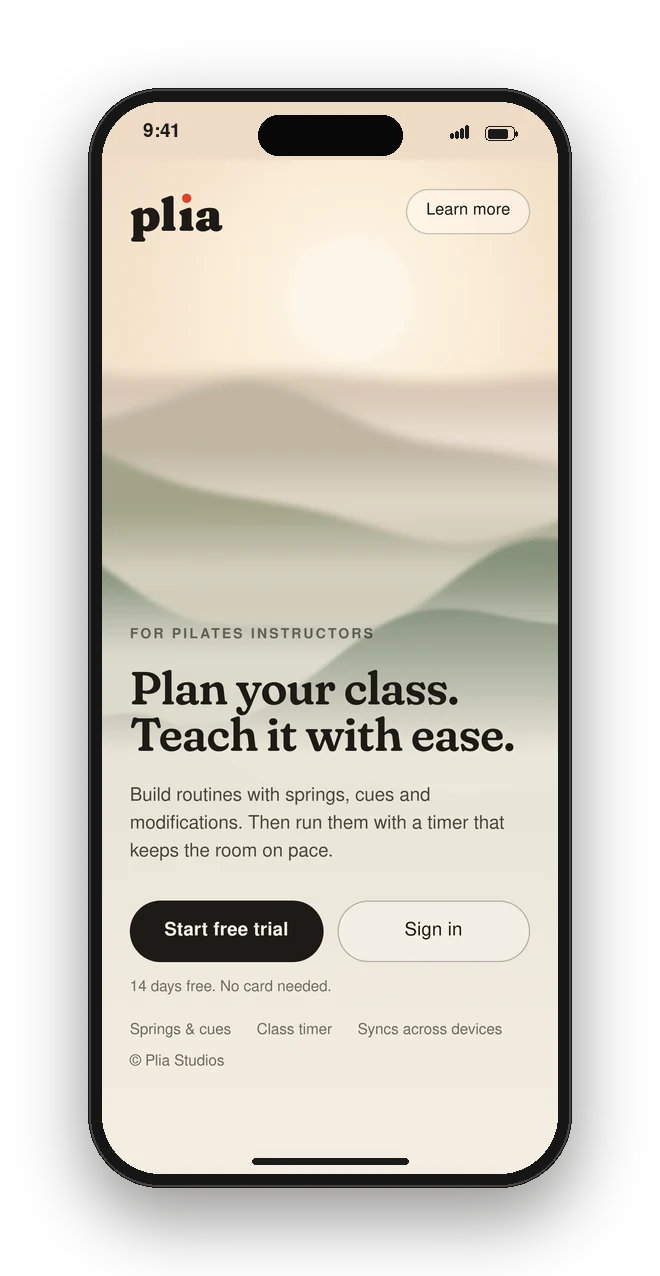
Landing
A calm first look that says what Plia does, with a free trial a tap away.
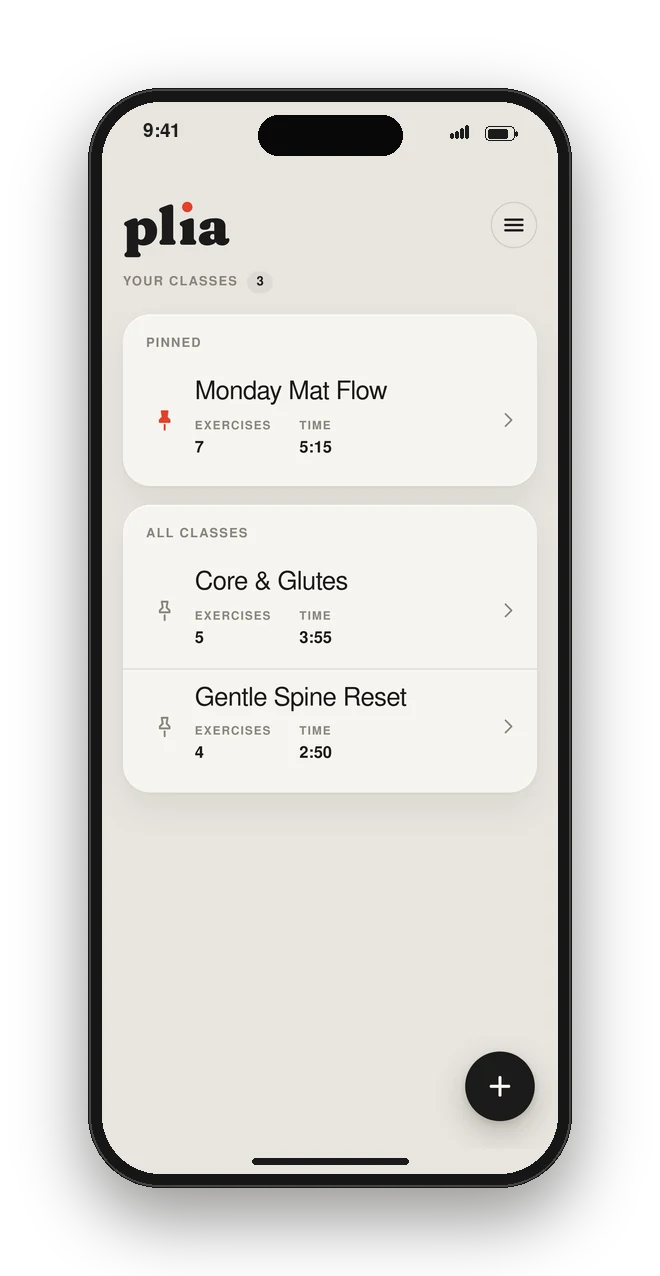
Your classes
Pinned classes stay on top, with exercise count and run time for each.
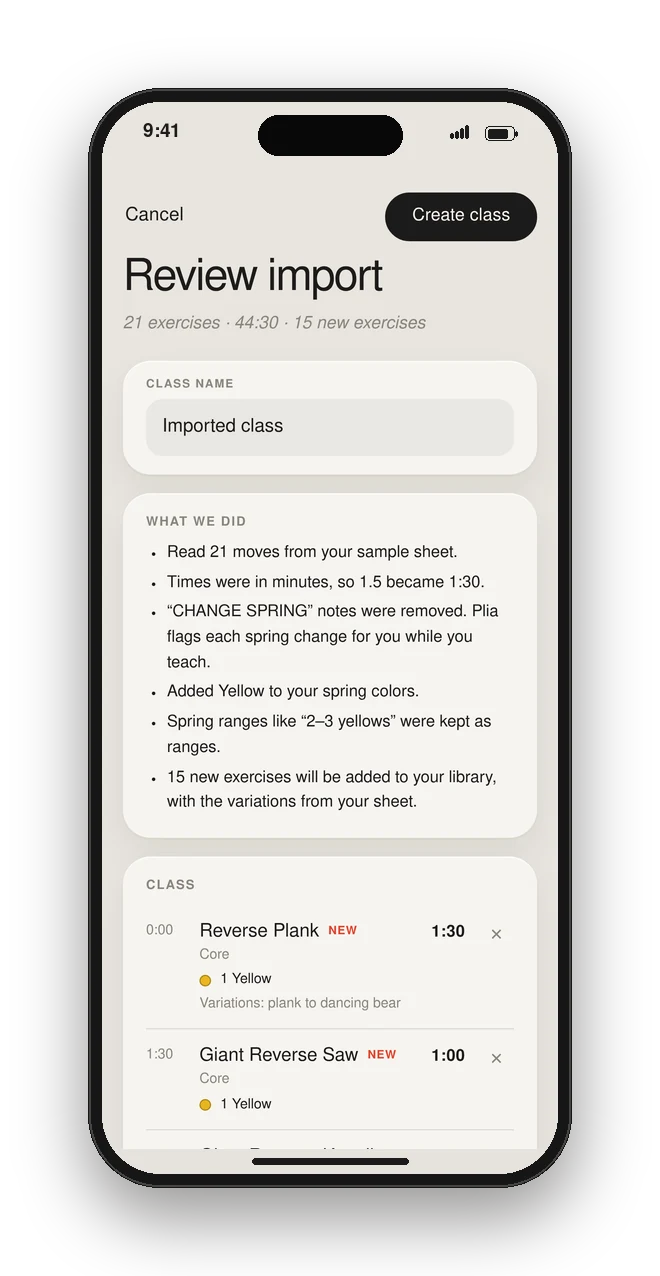
AI import
Snap a photo or upload a class spreadsheet, and Plia turns it into a class ready to teach.
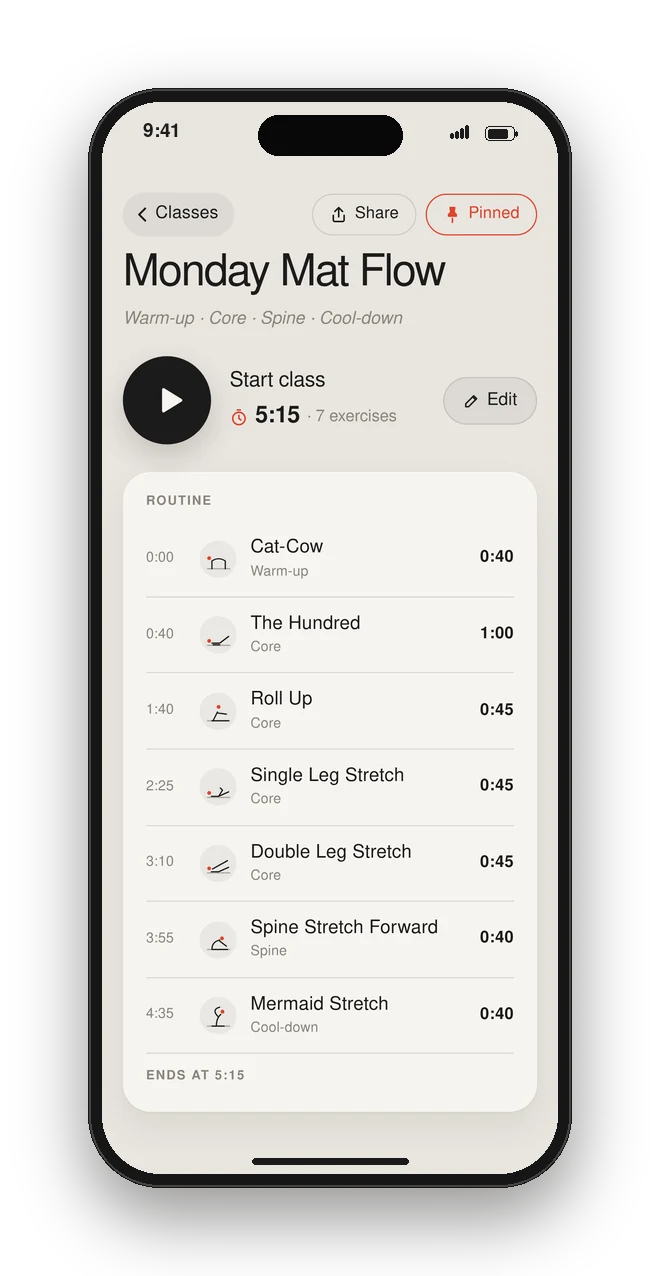
Class detail
One tap to start, with the full routine and its timing laid out below.
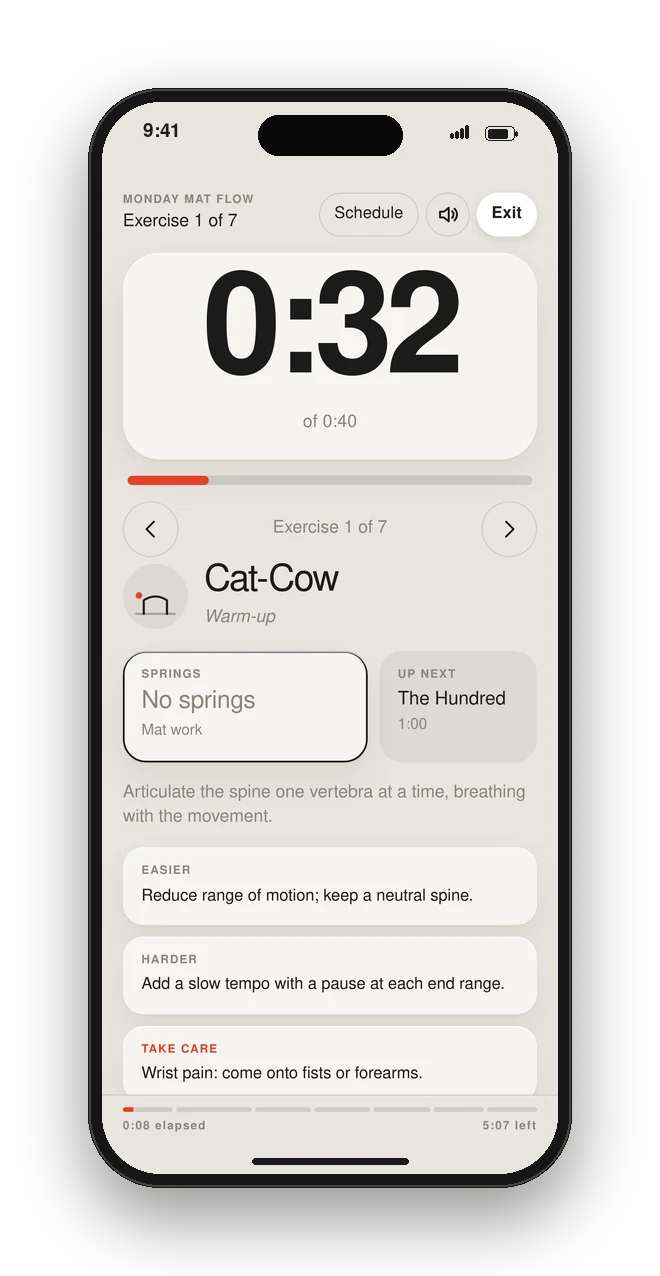
Run your class
Big numbers that read from across the studio, with springs and what’s up next.
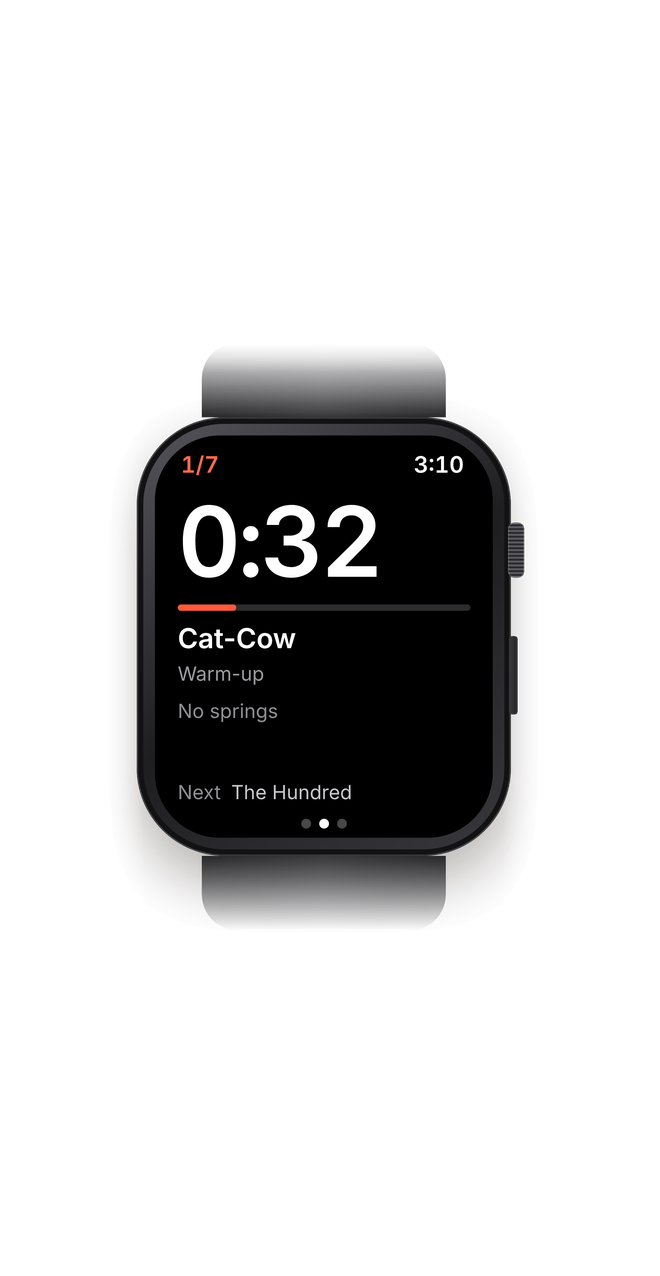
Future: Apple Watch concept
Teach from the wrist, with a tap before each change and a double tap when springs change.
I'd love to share more about this project, let's get in touch!